Hiring a deliverability consultant or agency
Why it falls shortWorks, but it’s a big recurring cost. You rent the knowledge instead of owning it, so the next problem means another invoice.


You built the list. You wrote the email. You pressed send.
And then…
Here’s the part nobody tells you: it probably isn’t your copy.

In February 2024, Google and Yahoo turned long-standing “best practices” into hard requirements for bulk senders: proper email authentication, easy opt-outs, and spam complaint rates kept low.
In May 2025, Microsoft followed for high-volume senders to Outlook, Hotmail and Live addresses, with a specific rejection message for domains that don’t comply. Enforcement has tightened since.
The number that catches people out is small. Google asks senders to keep their spam rate under 0.10%, and never to reach 0.30%.
That sounds like a lot of room. It isn’t. Send 200 emails to Gmail users, and a single person clicking “Report spam” puts you at 0.5%. One click. At small volumes, the percentages are twitchy, and a new domain has no history to cushion the hit.
Send cold email from your main domain, and you’re betting your invoices, your proposals and your client conversations on a campaign. Send too much too soon from a brand-new mailbox, and to a mailbox provider you look exactly like a stolen account.
Skip one DNS record, or publish two where there should be one, and every email you send quietly fails a check you didn’t know existed.
And there’s a legal side most people ignore. The FTC’s CAN-SPAM rules apply to business email too, with penalties that can reach $53,088 per violating email, an inflation-adjusted figure from 2025. Most small senders will never face that. But “most” isn’t a plan.
Every week you send without knowing this, you’re spending your reputation, and your pipeline, on a guess.
Good. That means you’re taking it seriously. Here’s why the usual options leave people stuck:
| What people try | Why it falls short |
|---|---|
| Hiring a deliverability consultant or agency | Works, but it’s a big recurring cost. You rent the knowledge instead of owning it, so the next problem means another invoice. |
| Deliverability monitoring software | Great at telling you that something is wrong. Rarely teaches you why, or what to do next, and it’s another subscription. |
| Blog posts and YouTube videos | Free, but scattered, contradictory and often out of date. Many are written by tool vendors with something to sell, and rarely tell you which advice is official and which is opinion. |
| Warm-up tools | Can help as a supplement. They can’t fix a bad list, broken DNS, or a message people don’t want, and nobody outside the providers knows exactly how well they work. |
| Generic cold email courses | Teach copywriting and skip the infrastructure, so a perfect email still lands in spam. |
| Asking an AI assistant for DNS records | Fast, but it can confidently invent a record that looks right and quietly breaks authentication. You need something you can verify. |
Hiring a deliverability consultant or agency
Why it falls shortWorks, but it’s a big recurring cost. You rent the knowledge instead of owning it, so the next problem means another invoice.
Deliverability monitoring software
Why it falls shortGreat at telling you that something is wrong. Rarely teaches you why, or what to do next, and it’s another subscription.
Blog posts and YouTube videos
Why it falls shortFree, but scattered, contradictory and often out of date. Many are written by tool vendors with something to sell, and rarely tell you which advice is official and which is opinion.
Warm-up tools
Why it falls shortCan help as a supplement. They can’t fix a bad list, broken DNS, or a message people don’t want, and nobody outside the providers knows exactly how well they work.
Generic cold email courses
Why it falls shortTeach copywriting and skip the infrastructure, so a perfect email still lands in spam.
Asking an AI assistant for DNS records
Why it falls shortFast, but it can confidently invent a record that looks right and quietly breaks authentication. You need something you can verify.
Each of these solves one piece. None gives you the whole system, in plain English, that you can keep.
Everything is built on what Google, Yahoo, Microsoft and the FTC actually publish. No “beat the spam filter” hacks that age badly.
We always say which. When something is a requirement, we tell you. When it’s what experienced senders do because it tends to work, we tell you that instead. You’ll always know what’s firm.
Every guide ends in something you can do today: a 60-minute setup, a copy-paste record vault, a day-by-day ramp, a pre-send checklist.
The fastest way to a healthy reputation is to send relevant, honest email to people who plausibly want it. The copy templates are built around that, not around tricks.
Things go wrong even for careful senders. Book 5 gives you a protocol: stop the bleeding, find the cause, fix one thing at a time.
WHAT’S INSIDE
The problem it solves: You don’t know what the rules require or how to set up safely.
What you’ll be able to do: Protect your main domain, build a secondary-domain setup, publish and test your authentication, follow CAN-SPAM, and run a 15-minute weekly health check.
Inside: The rules explained, the 0.10% and 0.30% numbers decoded, the 60-minute setup, a 7-day launch plan, and ten common mistakes.

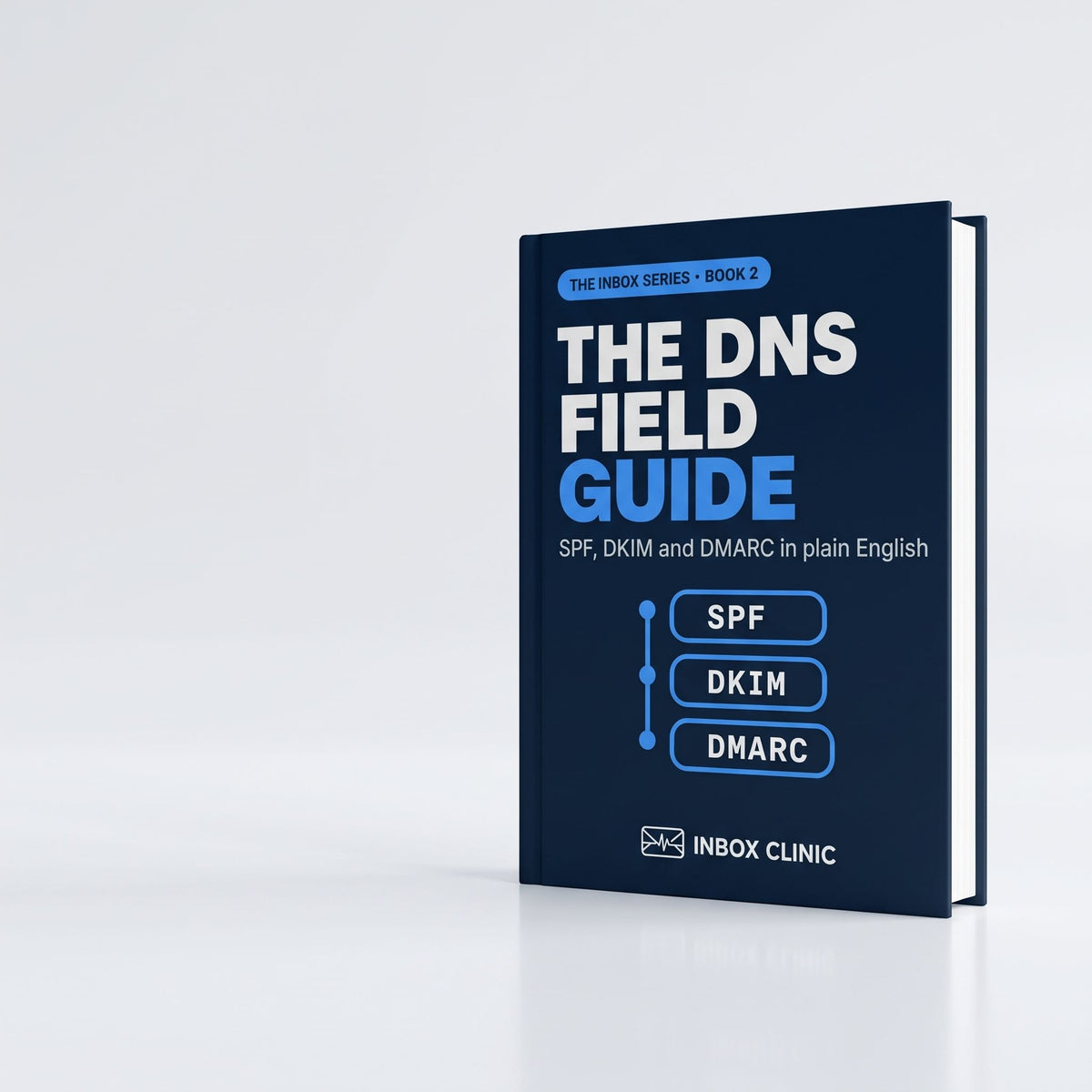
The problem it solves: SPF, DKIM and DMARC feel like a foreign language, and one typo breaks everything.
What you’ll be able to do: Set up and verify all three records on Google Workspace or Microsoft 365, avoid the mistakes that silently fail, and fix the 550 5.7.515 error.
Inside: Plain-English explanations, a copy-paste record vault, a five-test verification routine, and a troubleshooting table.
The problem it solves: New mailboxes get flagged when volume jumps too fast.
What you’ll be able to do: Grow volume safely with a day-by-day schedule, use green, yellow and red gates to decide when to speed up or slow down, and size your setup by mailboxes instead of pushing volume.
Inside: The 21-day schedule, an honest look at warm-up tools, a tracking sheet and an FAQ.

The problem it solves: Your emails get ignored, or worse, reported.
What you’ll be able to do: Write short, relevant emails people actually answer, with real personalization and an honest footer.
Inside: A six-part email anatomy, a five-check “human test,” 50 plain-text templates (first touches, follow-ups, replies, service-specific and special situations), and a simple testing method.

The problem it solves: New mailboxes get flagged when volume jumps too fast.
What you’ll be able to do: Grow volume safely with a day-by-day schedule, use green, yellow and red gates to decide when to speed up or slow down, and size your setup by mailboxes instead of pushing volume.
Inside: The 21-day schedule, an honest look at warm-up tools, a tracking sheet and an FAQ.
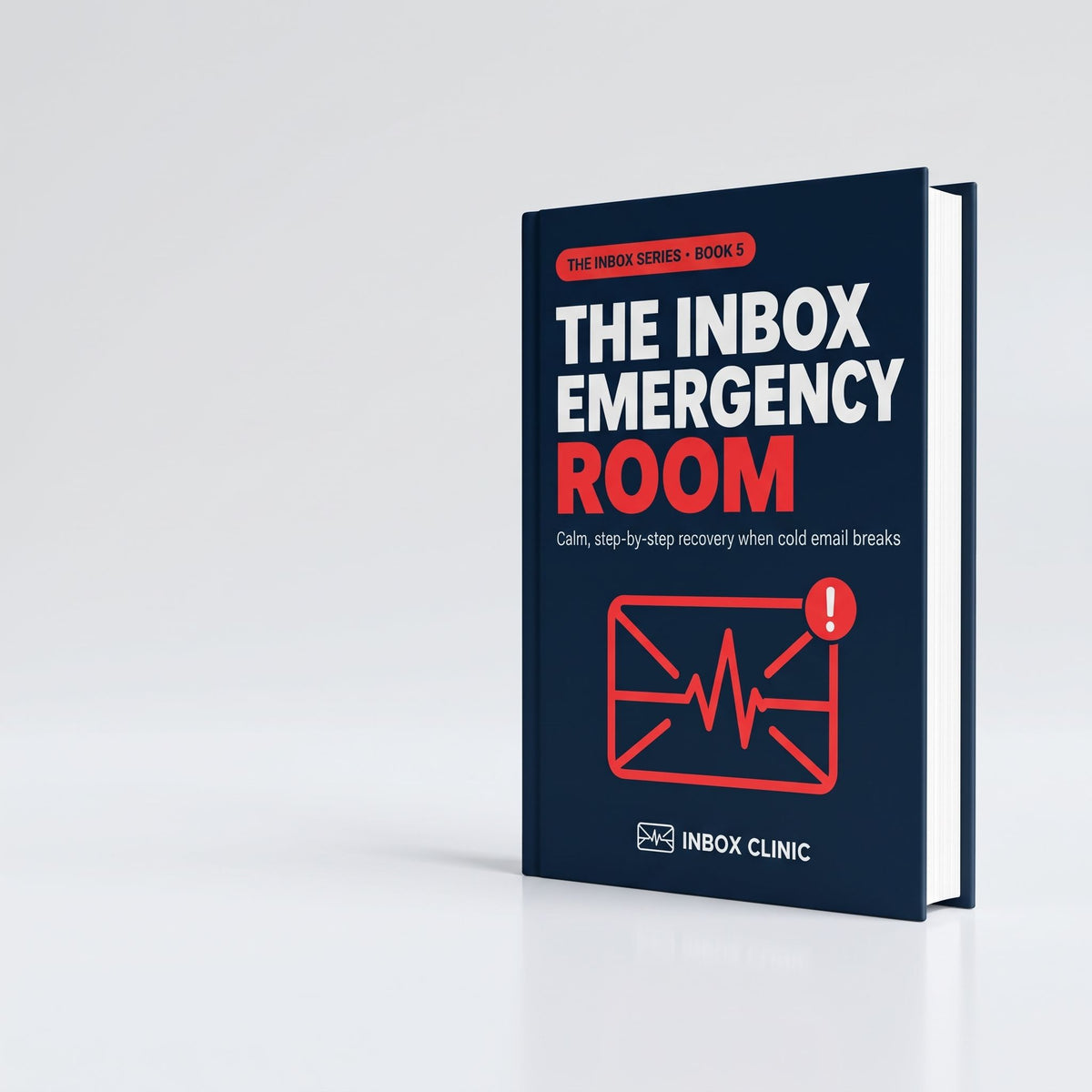
A one-page printable you can keep next to your screen.
Register a secondary domain and create your mailboxes.
Publish SPF, DKIM and DMARC. Run your test emails. Confirm all three pass.
Verify Google Postmaster Tools, set up your redirect, switch off open tracking.
Build a small, tightly targeted list. Verify every address.
Write your first email and opt-out line using a template. Read it out loud.
Start your gradual ramp with a very small send. Answer every reply.
Do your first 15-minute review. Write down your baseline.
No heroics. Good deliverability is boring on purpose.
Follow the setup in Books 1 and 2. If your test email doesn’t show SPF, DKIM and DMARC all passing, email us within 30 days for a full refund.